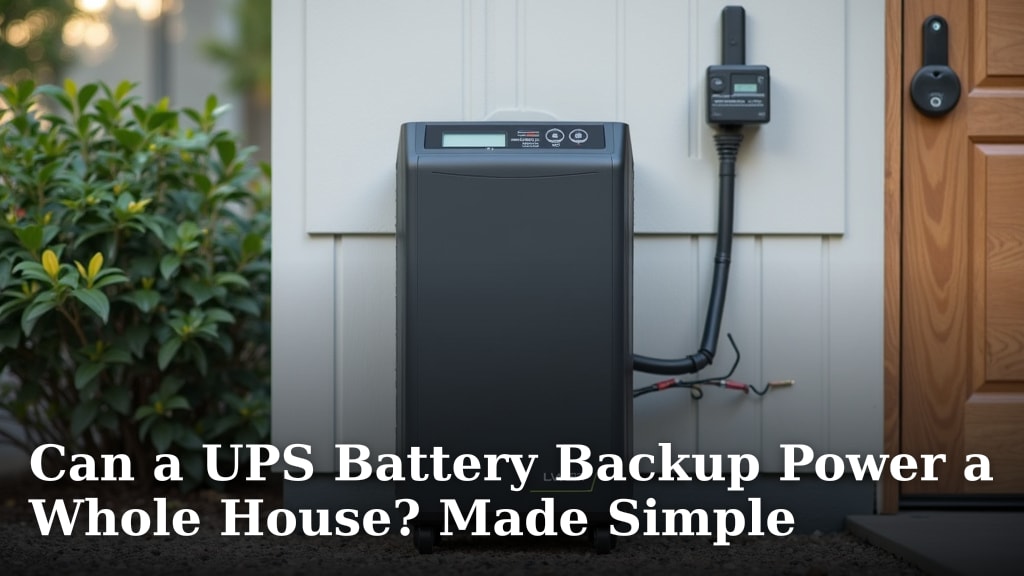
Can a UPS Battery Backup Power a Whole House? Made Simple
Can a UPS Truly Power Your Entire Home?
The short, simple answer is no. A typical **UPS (Uninterruptible Power Supply)** is designed to keep a few critical devices running for minutes, not to power your whole house for hours. It’s built for short-term backup during an outage, not as a long-term solution. Let’s explore why this is the case and what it can realistically do for you.
What a UPS Battery Backup Is Actually For
Think of a UPS like a **safety net for your electronics**. Its main job is to provide immediate, temporary power if the lights go out. This gives you time to save your work or shut down equipment safely. It’s not a silent generator meant to run your home.
Designed for Specific, Important Jobs
You’ll most commonly find a UPS keeping these essentials alive:
- **Your computer and monitor**
- **Your internet router and modem**
- **A security system or camera**
- **Some medical devices** like a CPAP machine (but check the specs first!)
The goal is to prevent data loss, damage to sensitive electronics, or to maintain communication. It’s about bridging a short gap until power returns or a larger backup system starts up.
How a UPS is Different from a Generator
This is a key point many people mix up. A **UPS provides uninterrupted power** because it’s already connected. The moment power fails, the battery takes over. There’s no delay. A **generator**, whether portable or standby, often has a brief delay of seconds to minutes as it cranks up. However, generators are fueled by gas, propane, or natural gas and can run for hours or days. A UPS runs out of juice quickly.
Why a UPS Can’t Run a Whole House (The Math Problem)
Let’s get practical. Powering a house requires a huge amount of energy, measured in **watts**. A typical home uses 20,000 to 30,000 watts when many things are on. A standard UPS for a home office is rated for 500 to 1500 watts. That’s not even close. It’s like trying to fill a swimming pool with a water pistol.
The Wattage and Runtime Equation
The capacity of a UPS is measured in **Volt-Amps (VA)** and **watts**. The runtime is how long it can supply that wattage. The relationship is simple:
- **More watts of appliances turned on = shorter runtime.**
- **A bigger UPS battery = longer runtime for the same load.**
Even a large “whole-house” UPS-style battery (like those from home solar systems) is a different, much more expensive category. They are not the small backup units you buy for a computer.
A Real-World Comparison
Let’s imagine a power outage. You have a 1000-watt UPS. Here’s how long you might expect it to last if you tried to power just a portion of your home’s critical loads:
| Device/Setup | Approx. Watts | Possible UPS Runtime (1000W unit) |
|---|---|---|
| Wi-Fi Router + Modem | 30-50 W | Several hours |
| Desktop Computer + Monitor | 200-400 W | 1-2 hours |
| One Refrigerator (cycle on/off) | 150-400 W (average) | 30-90 minutes |
| Some Lights + TV | 100-300 W | 1-3 hours |
As you can see, running even a few things drains the battery **very quickly**. Running everything? The UPS would shut off in minutes, or even seconds.
When a UPS *Can* Be Part of a Whole-Home Strategy
A UPS can play a valuable supporting role. It’s not the star player, but it’s an important part of the team for true preparedness.
For Critical “Keep-Alive” Circuits
Some homeowners work with an electrician to create a **critical circuits panel**. This might include only the refrigerator, a few lights, the security system, and the internet. You could then use a **large, rack-style UPS** (often used in server rooms) or a dedicated home battery (like a Tesla Powerwall) to back up just that panel. This is a planned, professional installation, not plugging the whole house into a single box.
As a Bridge to a Generator
This is a classic and smart use. A UPS keeps your computer, router, and lights on **immediately** when the power goes out. This gives you the time and light needed to safely go start up a portable generator and transfer the major loads to it. The UPS acts as a bridge, covering the gap until the generator is ready.
Alternatives for Whole-House Backup Power
If your goal is to keep the lights on during a long outage, you need to look beyond a standard computer UPS.
Portable Generators
These are the most common solution. They run on gasoline or propane and can power selected circuits via extension cords or a **transfer switch** installed by an electrician. Never plug a generator directly into a wall outlet—it can electrocute utility workers.
Standby Generators
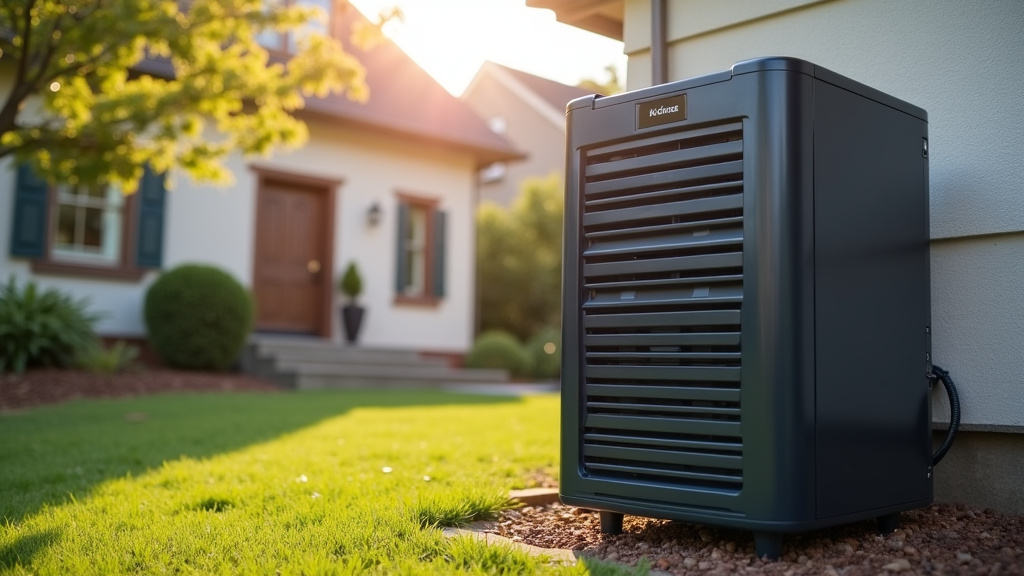
These are **permanently installed** outside your home, similar to a central air conditioner. They run on natural gas or propane, turn on automatically within seconds of an outage, and can power your entire home. They are the premium, hands-off solution but have a significant upfront cost.
Home Battery Systems
Often paired with solar panels, these are large, rechargeable batteries (like the LG Chem or Tesla Powerwall). They store electricity for use during outages or to reduce grid reliance. They are clean and silent but expensive and have limited runtime compared to a fueled generator.
How to Choose Your Backup Power Path: A Checklist
Don’t feel overwhelmed. Start by defining what you really need.
- **List your non-negotiables:** What must stay on during an outage? (e.g., Medical device, fridge, one light, phone charging)
- **Estimate the wattage:** Look at the labels on your devices or search online for average wattage. Add them up.
- **Consider outage duration:** Are outages in your area usually 30 minutes or 3 days? This determines your fuel/battery capacity needs.
- **Assess your budget:** A UPS is $100-$500. A good portable generator is $500-$2,000. A standby generator is $3,000-$10,000+ installed.
- **Think about convenience:** Do you want to start a generator manually, or have it turn on by itself? Do you want to store fuel?
- **Safety first:** Always plan for safe operation. This means proper generator placement, **never indoors**, and professional installation for transfer switches or standby systems.
We’ve researched and found that the best choice depends entirely on your personal needs, not a one-size-fits-all product. Many experts advise starting with the checklist above to make a clear-headed decision. A UPS is a fantastic tool for protecting data and keeping you connected for a short time. For true whole-home peace of mind during extended outages, however, you’ll need a solution designed with more power in mind.
Conclusion
You’ve learned that a standard UPS battery backup is a smart tool for keeping your computer and router alive during a short outage. It is not, however, a solution for powering your entire house. Its capacity is designed for critical electronics, not major appliances. For true whole-home backup, you need a generator or a dedicated home battery system. Your best next step is to use the checklist above to list your non-negotiable devices and estimate their wattage. That will point you toward the right solution for your needs and budget.
Frequently Asked Questions
Can a UPS power a refrigerator during a power outage?
A typical home UPS will run a refrigerator for only **30 to 90 minutes at most**. The fridge’s compressor uses a lot of power, and the UPS battery will drain very quickly. A generator or home battery is a better choice for keeping food cold during a long outage.
What size UPS do I need for my computer and internet?
For a standard desktop computer, monitor, and router, a UPS rated between **600 and 1500 watts** is usually sufficient. Check the wattage labels on your devices to be sure. This should give you enough time to save work and shut down properly.
Is a home battery system like a Tesla Powerwall the same as a UPS?
They serve similar purposes but are very different in scale and cost. A home battery is a large, installed system meant to power entire circuits for hours. A standard UPS is a smaller, plug-in device for a few electronics for minutes. Think of them as cousins, not twins.
How can I safely use a portable generator to back up my whole house?
You **must** have an electrician install a **transfer switch** to connect the generator safely to your home’s wiring. Never plug a generator directly into a wall outlet, as this can create deadly backfeed. Also, always run the generator outdoors, far from windows and doors.
What is the first thing to do when planning for backup power?
Your first step is to make a list of what you absolutely must keep powered during an outage. This is your “critical load.” Research and add up the wattage for those specific items. This list is the foundation for choosing the right UPS, generator, or battery system.