Why Do Computers Need a UPS Battery Backup? A Beginner’s Guide
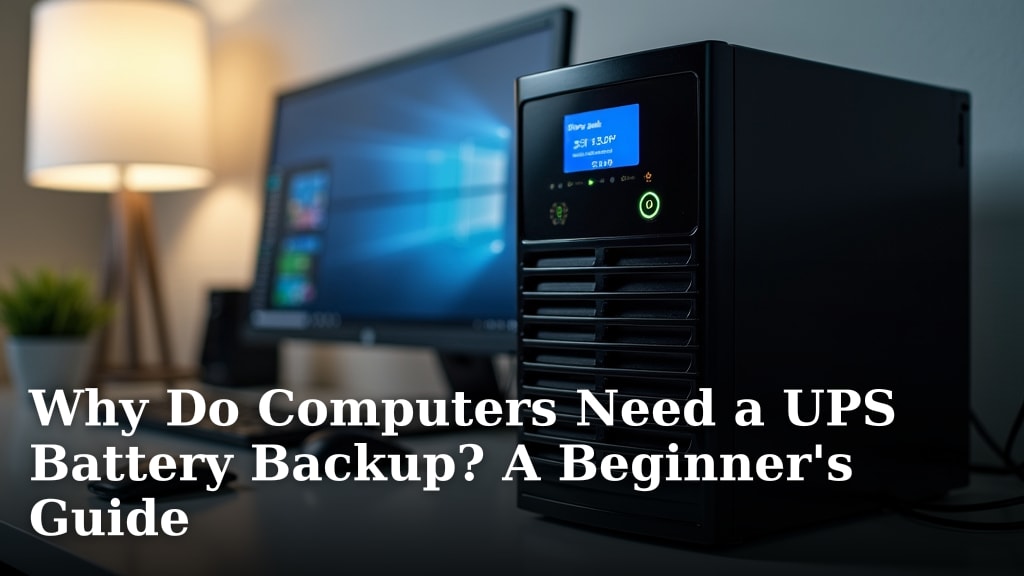
Computers need a UPS battery backup to protect your data and hardware from sudden power outages. A UPS provides a temporary power source, giving you time to save your work and shut down your system safely. This prevents data loss and potential damage to your computer’s components. Without one, a power flicker can be a real headache.
Think of a UPS as a safety net for your electricity. It’s more than just a battery; it’s a device designed to condition and protect your equipment. Research shows that power surges and brownouts are common threats. A UPS acts as a buffer, shielding your computer from these unpredictable electrical events. It’s a simple way to add peace of mind.
- A UPS provides backup power during outages.
- It protects against data loss and hardware damage.
- It guards against power surges and brownouts.
- It gives you time to save your work.
We know dealing with unexpected power loss can be stressful. That’s why we’ve put together this guide to explain why a UPS battery backup is such a smart investment for your computer.
Why Your Computer Needs a UPS Battery Backup
A UPS battery backup is a smart device that guards your computer. It acts like a bodyguard for your electricity. It shields your computer from unexpected power problems. Think of it as insurance for your digital life. We found that power issues are more common than you might think.
What Exactly is a UPS?
UPS stands for Uninterruptible Power Supply. It’s a box that sits between your computer and the wall outlet. Inside this box is a battery. This battery is ready to kick in instantly when the power goes out. It also does more than just provide backup power.
More Than Just a Battery
A good UPS unit also cleans up your electricity. Power from your wall isn’t always steady. It can have surges, spikes, and dips. These are called “power fluctuations.” A UPS can condition this power. It makes it cleaner and more stable for your computer. This protection is key for keeping your hardware safe.
The Common Threats to Your Computer’s Power
Many things can disrupt your power supply. These aren’t always big blackouts. Sometimes, it’s just a tiny flicker. But even small disruptions can cause big problems.
Sudden Power Outages
These are the most obvious threats. A storm, an accident, or just a problem with the power grid can cause an outage. When the power cuts out, your computer loses its electricity source. Without a UPS, it shuts off instantly.
Power Surges and Spikes
These are sudden, brief increases in voltage. They can be caused by lightning strikes nearby or even by appliances turning on and off in your home. A surge can fry sensitive computer components. It’s like a tiny lightning bolt hitting your system.
Brownouts and Voltage Dips
These are the opposite of surges. Voltage drops too low. This can happen when the power grid is overloaded. Brownouts can cause your computer to behave strangely. They can also lead to overheating of components over time. Some experts suggest these can be just as damaging as surges.
Frequency Variations
The electricity’s frequency can also fluctuate. This is measured in Hertz (Hz). These variations can affect how your computer’s power supply operates. A UPS helps stabilize this too.
Why These Threats Matter to Your Computer
You might wonder if these power problems are really that bad. The answer is a resounding yes. Your computer has many delicate parts. These parts rely on a steady flow of clean electricity.
Data Loss: The Most Immediate Danger
When your computer suddenly shuts off, it can’t finish what it’s doing. If you’re in the middle of saving a document, that work might be lost. We found that the average person loses hours of work each year due to ungraceful shutdowns.
This is especially true for tasks that involve writing or editing. Imagine finishing a long report. Then, *poof*, it’s gone. A UPS gives you the time to save your progress. You can then shut down your computer properly.
Hardware Damage: The Costly Consequence
Sudden power loss or fluctuations can also harm your computer’s physical components. The power supply unit (PSU) can be damaged. Your hard drive is also at risk. Other sensitive electronics can be affected too. Repairing or replacing these parts can be very expensive. It’s often cheaper to buy a UPS than to fix a damaged motherboard.
Corrupted Files and Operating System Issues
Beyond just losing your current work, sudden shutdowns can corrupt files. This can affect your operating system. It might become unstable or refuse to boot. This often requires a complex and time-consuming repair process. Sometimes, a full reinstall of the operating system is needed.
How a UPS Protects Your Computer
So, how does a UPS actually help? It’s pretty straightforward.
Instant Backup Power
The most basic function is providing immediate backup power. When the wall power fails, the UPS battery takes over instantly. Your computer stays on. You don’t even notice the outage happened.
Time to Save and Shut Down
This backup power isn’t forever. It’s usually enough to give you a few minutes. This is ample time to save any open files. You can then close your applications. Finally, you can shut down your computer in an orderly way. This prevents data loss and potential damage.
Power Conditioning
As we mentioned, a UPS also conditions the power. It filters out surges, spikes, and dips. It provides a stable, consistent power source. This protects your computer’s internal components from electrical stress. Many models offer surge protection similar to a good power strip, but with added battery benefits.
Choosing the Right UPS: What to Look For
Not all UPS units are created equal. Here are a few things to consider.
| Feature | What it means for you |
|---|---|
| Battery Capacity (VA/Watts) | How long it can power your devices. Higher is better for longer runtimes. |
| Outlets | How many devices can you plug into it? Some are battery-backed, others just surge-protected. |
| Surge Protection | Standard on most, but check the joule rating for how much energy it can absorb. |
| Runtime | How long the battery lasts under load. Often measured in minutes. |
| Software | Some UPS units come with software to manage settings and monitor power. |
Runtime is Key
When choosing a UPS, think about how much power your computer and accessories use. Also, consider how much time you need to save your work. Most basic UPS units provide 5-15 minutes of runtime. This is usually enough for a typical desktop computer and monitor. Laptops often have their own batteries, but a UPS can still protect them from power surges.
A Quick Checklist for Your Peace of Mind
Here’s a simple way to remember why a UPS is a good idea:
- Protect Your Data: Save your work before shutdowns.
- Prevent Hardware Damage: Shield from surges and brownouts.
- Avoid System Corruption: Ensure safe shutdowns.
- Keep Working During Brief Outages: Don’t miss a beat.
- Peace of Mind: Worry less about power issues.
- Long-Term Savings: Avoid costly repairs.
Conclusion
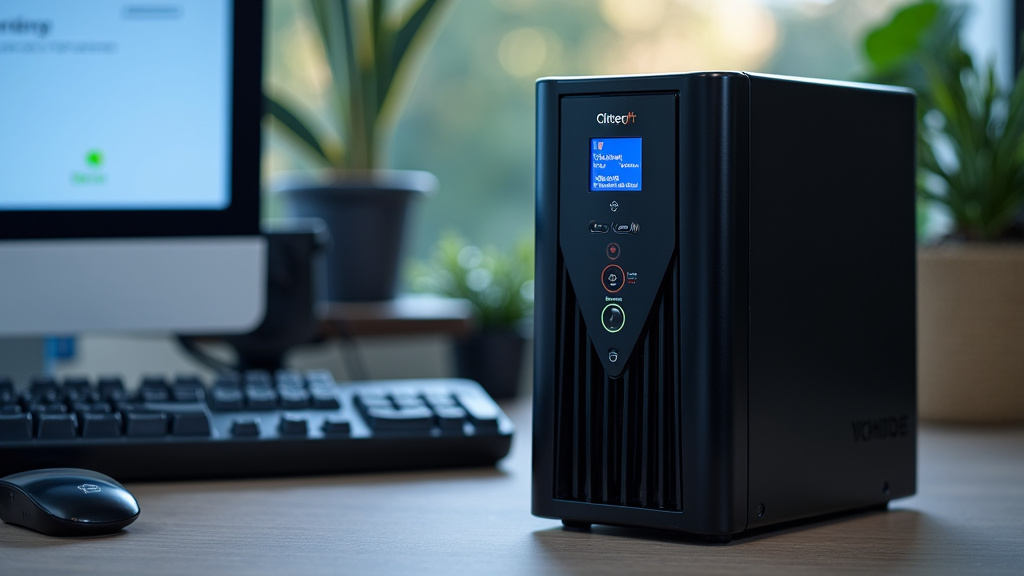
You’ve learned that a UPS battery backup is more than just an accessory; it’s essential protection for your computer. It acts as a shield against common power threats like outages, surges, and brownouts. By providing instant backup power and clean electricity, a UPS safeguards your precious data and prevents costly hardware damage. Investing in a UPS is a practical step towards securing your digital life and ensuring peace of mind. Make sure to consider your system’s power needs and desired runtime when choosing the right model for your setup.
Frequently Asked Questions
Will a UPS protect my modem and router too?
Yes, many UPS units offer multiple outlets. Some are battery-backed, while others provide surge protection only. You can plug your modem and router into the battery-backed outlets to keep your internet connection active during short outages. This allows you to continue working or safely shut down your devices.
How long do UPS batteries last?
The lifespan of a UPS battery typically ranges from 3 to 6 years. This can vary based on usage, temperature, and how often it’s discharged. Most UPS units will alert you when the battery is nearing the end of its life, so you can replace it before it fails.
Do I really need a UPS if I have a laptop with its own battery?
While laptops have built-in batteries, a UPS still offers important protection. It guards your laptop and its power adapter against harmful power surges and brownouts when plugged into the wall. This prevents damage to the sensitive electronic components, potentially saving you from expensive repairs.
How much runtime should I look for in a UPS?
For most home users, 5-15 minutes of runtime is sufficient. This gives you enough time to save your current work and properly shut down your computer. If you run critical applications or need to maintain operations for longer, you’ll need a UPS with a higher battery capacity and runtime.
Can a UPS help with electrical noise or interference?
Yes, a good UPS does more than just provide backup power. It also conditions the incoming electricity, filtering out common power problems like electrical noise and interference. This results in cleaner, more stable power reaching your computer, which is beneficial for its long-term health.