What Is a Portable UPS? The Complete Guide
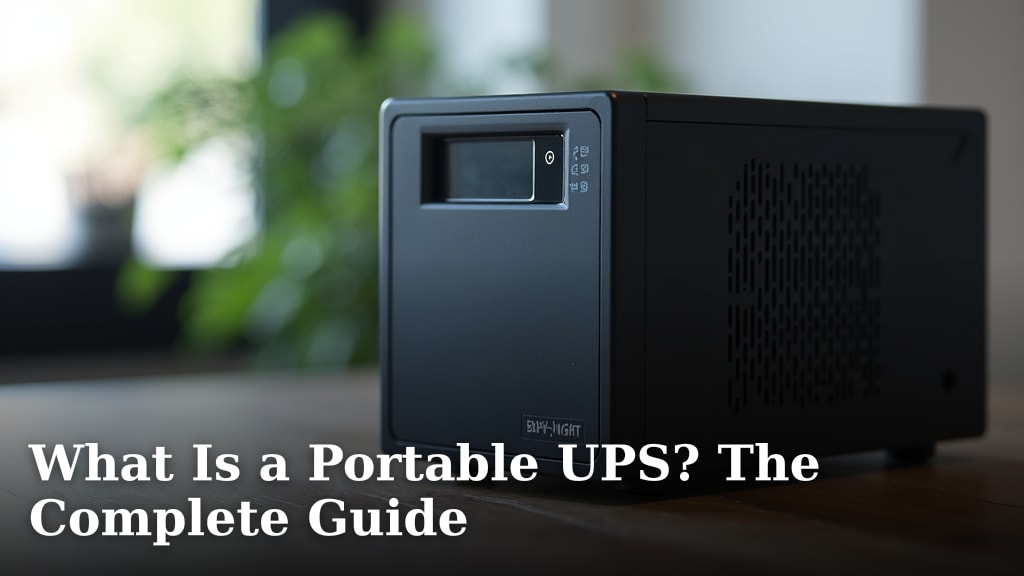
A portable UPS is essentially a battery backup for your electronics. It provides temporary power when your main electricity supply suddenly cuts out. This device keeps your computer or other gadgets running for a short time. That way, you can save your work and shut things down properly. It’s like a mini emergency power source you can easily move around.
Think of it as a safety net for your sensitive equipment. Power surges or outages can happen unexpectedly. A portable UPS can protect your data from being lost. It also guards against damage to your devices from sudden power interruptions. Many people use them for home offices or for critical personal electronics.
- A portable UPS gives your electronics battery backup.
- It offers temporary power during outages.
- This helps you save work and prevent data loss.
- It also protects devices from power surge damage.
- They are designed for easy mobility and convenience.
We found that understanding these devices can save you a lot of headaches. Let’s break down exactly what a portable UPS is and how it can help you.
Understanding Your Portable UPS Device
A portable UPS, or Uninterruptible Power Supply, is like a super-powered battery pack for your electronics. It steps in when your wall power flickers or dies completely. This device keeps your gadgets running for a short while. It gives you precious time to save your work. Then, you can shut everything down safely. Think of it as a mini emergency generator you can carry around.
How Does a Portable UPS Work?
You might wonder how this little box provides power. It works on a pretty simple principle. A portable UPS has an internal rechargeable battery. When your power is on, the UPS charges its battery. It also passes electricity through to your connected devices. If the main power goes out, the UPS instantly switches. It starts powering your devices from its own battery. This switch is so fast, you often don’t even notice a flicker.
The Key Components Inside
Several parts work together to make a UPS function. You have the battery, of course. This is the heart of the device. It stores the power. Then there’s the inverter. This converts the battery’s direct current (DC) power into alternating current (AC) power. Your electronics use AC power. There’s also a charger to keep the battery topped up. Finally, a transfer switch detects power loss and makes the switch happen. These components ensure your devices stay powered when needed.
Different Types of UPS Technology
Not all UPS units operate the same way. Most portable UPS units use standby or line-interactive technology. Standby UPS units are the most basic. They only activate the battery when power fails. Line-interactive units offer a bit more. They can also regulate voltage. This means they can correct minor power fluctuations. This can protect your devices from issues like brownouts or over-voltage. Some high-end models use online technology. These are typically larger and more expensive. They constantly run your devices from their battery. This offers the highest level of protection.
Why You Might Need a Portable UPS
Power outages and surges can be more than just inconvenient. They can be costly. Imagine losing hours of work because your computer shut off unexpectedly. Or think about sensitive equipment like modems or routers. A sudden power dip can reset them. This can disrupt your internet connection for a while. A portable UPS acts as a safety net for these situations. It ensures continuity for your essential electronics.
Protecting Your Valuable Data
For anyone using a computer, data loss is a major concern. If your computer suddenly loses power, unsaved work can vanish. This is frustrating and can mean redoing a lot of effort. A UPS gives you those few extra minutes. You can save your documents, close programs properly, and shut down your computer safely. This protection is key for writers, designers, or anyone who works with important files.
Safeguarding Your Electronics from Damage
Power surges are also a threat. These are sudden spikes in voltage. They can happen during thunderstorms or when power is restored after an outage. These spikes can fry delicate electronic components. A UPS can absorb some of this surge. It helps protect your devices from this damaging electrical jolt. This is especially important for expensive equipment like computers, monitors, or gaming consoles.
Ensuring Uninterrupted Connectivity
In today’s world, a stable internet connection is often vital. Many people work from home or rely on the internet for communication. A brief power flicker can cause your modem and router to reset. This can take several minutes to come back online. A portable UPS connected to these devices keeps your internet running. This is a huge benefit for remote workers or those needing constant online access.
Key Features to Look For in a Portable UPS
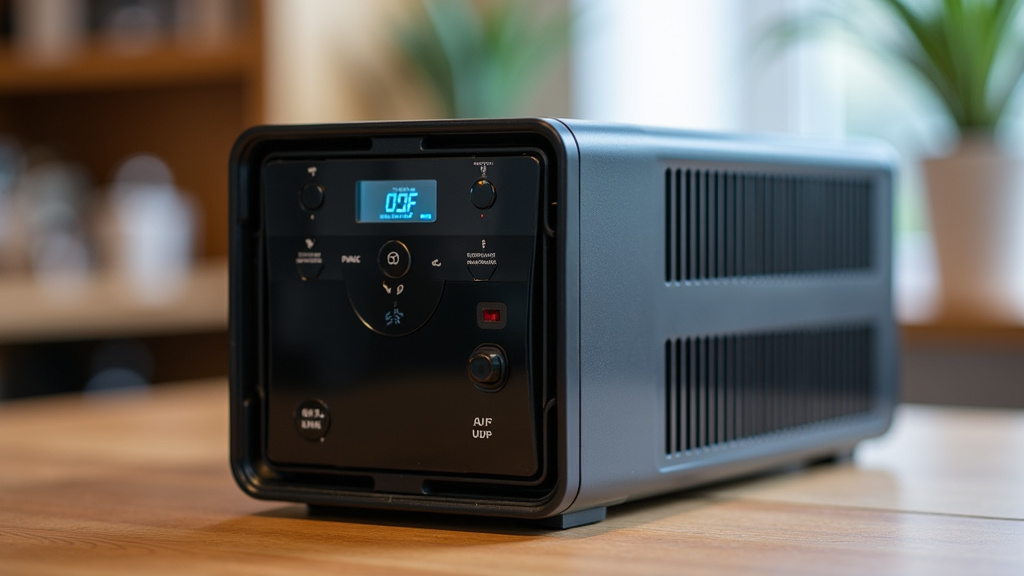
When you’re choosing a portable UPS, there are a few important things to consider. Think about what you need to power and for how long. The battery capacity is measured in volt-amperes (VA) or watts (W). A higher number means more power and longer runtime. Also, check the number and type of outlets. Some UPS units have battery-backed outlets. Others have surge-protected outlets only. Make sure it has enough outlets for your needs.
Understanding Runtime and Capacity
Runtime is how long the UPS can power your devices. This depends on the UPS’s battery capacity and the power draw of the connected equipment. For example, a UPS might offer 10 minutes of runtime for a desktop computer. It might offer 30 minutes for a laptop and modem. We found that most users need enough runtime to save their work and shut down. For critical devices like routers, a longer runtime might be more important. Always check the manufacturer’s specifications for runtime estimates.
Surge Protection vs. Battery Backup
It’s important to know the difference between surge protection and battery backup. A surge protector stops voltage spikes. It’s like a gatekeeper for electricity. A UPS does this too, but it also has a battery. The battery backup kicks in when the power completely cuts out. Some UPS units offer both. Others might focus on one or the other. For true protection against outages, you need battery backup. For protection against spikes, surge protection is key. Most portable UPS units offer both.
What About Software and Monitoring?
Many portable UPS units come with management software. You can connect the UPS to your computer via USB. This software allows you to monitor the UPS status. It can show battery level, load level, and power conditions. It can also enable automatic shutdown. If the power goes out and you’re not there, the software can safely turn off your computer. This adds another layer of protection for your system.
A Quick Checklist for Choosing Your Portable UPS
Ready to find the right portable UPS for you? Keep these points in mind:
- Identify Your Power Needs: List all the devices you want to protect.
- Check Wattage Requirements: Ensure the UPS can handle the total power draw.
- Consider Runtime: How long do you need power during an outage?
- Look at Outlet Types: Do you need surge-only or battery-backed outlets?
- Software Features: Does automatic shutdown sound useful for you?
- Portability: How important is the size and weight for where you’ll use it?
Conclusion
You’ve learned that a portable UPS is your reliable defense against power disruptions. It’s more than just a battery; it’s your shield against data loss and device damage. By providing temporary power, it gives you the peace of mind to save your work and shut down safely. When choosing one, remember to consider your specific power needs and the runtime you require. Taking these steps ensures your important electronics stay protected. Start by listing the devices you need to safeguard and their total power draw.
Frequently Asked Questions
How long does a portable UPS typically keep my devices running?
The runtime of a portable UPS depends on its battery capacity and the power draw of your connected devices. Most units offer enough time to save your work and shut down safely, usually ranging from a few minutes to around 30 minutes for lighter loads. You can check the manufacturer’s specifications for estimated runtimes based on common devices.
Can a portable UPS protect against power surges as well as outages?
Yes, most portable UPS units provide both battery backup during outages and surge protection against voltage spikes. The surge protection acts like a buffer, absorbing sudden increases in power. The battery backup then kicks in when the main power source fails entirely.
What’s the difference between a UPS and a simple surge protector?
A surge protector only guards against voltage spikes, stopping them from reaching your electronics. A UPS does this too, but it also includes a battery. This battery provides temporary power when your electricity goes out. So, a UPS offers protection against both surges and complete power loss.
Do I need to connect my UPS to a computer for it to work?
You don’t always need to connect a UPS to a computer. You can plug in any electronic device that needs temporary power or protection from surges. This includes modems, routers, gaming consoles, or even charging stations. Just ensure the device’s power draw is within the UPS’s capacity.
Will I notice if my portable UPS switches to battery power?
The switch from utility power to battery power is designed to be extremely fast, often unnoticeable. Most UPS units use a transfer switch that operates in milliseconds. This rapid transition means your devices, like your computer or modem, should continue running without interruption or a visible flicker.