How Fast Does a UPS Switch to Battery Power? A Simple Guide
A UPS switches to battery power in less than 10 milliseconds. This is incredibly fast. Your computers and other devices usually won’t even notice the power flicker. This quick switch is what protects your electronics from sudden outages.
When the power goes out, your UPS acts as a bridge. It uses its stored battery power instantly. This buying you time to save your work. It’s like a tiny, personal power plant for your gear. We found that many users don’t even realize the switch happened.
- UPS battery switch time is very quick.
- It’s typically under 10ms.
- This protects your electronics from power surges.
- You get time to save your work.
Let’s walk through exactly how this works and what it means for you.
How Quickly Does a UPS Switch to Battery? A Simple Explanation
You’re probably wondering: “Just how fast does my UPS kick in when the power goes out?” The answer is incredibly fast. We researched this, and most UPS units switch to their internal battery power in under 10 milliseconds. For perspective, a blink of an eye takes about 100 to 400 milliseconds. This means your computer, your router, your game console, or any other connected device likely won’t even notice a power interruption.
This near-instantaneous switch is the whole point of a UPS. It acts as a buffer between your electronics and the unpredictable grid. It’s a critical piece of equipment for protecting your data and preventing damage to sensitive hardware. Think of it as a super-quick reflexes system for your electricity.
Understanding the UPS Transfer Switch
So, what’s actually happening inside that box? It all comes down to a component called the transfer switch. This is the part that monitors the incoming power from the wall outlet. When it detects a problem – like a complete outage, a voltage drop, or a surge – it triggers the UPS to switch to battery power.
What is a Transfer Switch?
A transfer switch is essentially an automatic switch. It has two states: one connects your devices to the main power source, and the other connects them to the UPS’s internal battery. It’s constantly listening for the quality of the power coming in.
Monitoring Incoming Power
Your UPS isn’t just passively waiting for a blackout. It’s actively checking the voltage and frequency of the power supply. If these readings fall outside a safe range, the transfer switch gets the signal to act. This constant vigilance is key to its protective function.
The Switch Itself: Speed Matters
The speed of this transfer is measured in milliseconds (ms). When we talk about a UPS switching to battery, we’re talking about the time it takes for the transfer switch to disengage from the faulty utility power and engage with the battery power. Research from various tech sources consistently shows that line-interactive and online UPS systems perform this switch very rapidly, often within 2 to 10 milliseconds.
Why Is This Speed So Important?
The speed of the transfer is critical for protecting your electronics. Many modern electronic devices, especially computers, have power supply units (PSUs) that can handle very brief interruptions. A power blip lasting only a few milliseconds is often too short for these devices to even register as an issue. This is why you often won’t see your screen go black or your computer suddenly shut down during a brief power flicker, even without a UPS.
However, not all devices are created equal. Sensitive networking equipment, servers, or older electronics might be more susceptible to even short interruptions. For these, a fast transfer time is essential to prevent data corruption or hardware resets. A UPS ensures that the power delivery remains uninterrupted for these critical components.
How Different UPS Types Affect Switch Speed
Not all UPS systems are built the same. The technology used within a UPS directly influences how quickly it can switch to battery power. We found that there are three main types of UPS, and their transfer times can vary.
Standby (Offline) UPS
These are the most basic and often the most affordable UPS units. In normal operation, they allow utility power to pass through to your connected devices with minimal conditioning. When a power problem occurs, the transfer switch moves the load from the utility line to the inverter, which converts DC battery power to AC power. This process takes the longest compared to other types. We found that standby UPS units typically have a transfer time of around 4 to 20 milliseconds.
Line-Interactive UPS
These UPS systems offer a bit more protection. They have automatic voltage regulation (AVR) built-in, which can correct minor power fluctuations without switching to battery power. When a more significant event occurs, the transfer switch engages. Line-interactive UPS units are generally faster than standby models. Experts say their transfer time is usually between 2 to 10 milliseconds. This speed is sufficient for most home and small office applications.
Online (Double-Conversion) UPS
Online UPS systems provide the highest level of protection. They constantly convert incoming AC power to DC, then back to AC to power your devices. This means your equipment is always running on battery power, even when the utility power is perfectly fine. Because there’s no need to switch from utility to battery (it’s already running on battery), there is no transfer time. The power is always clean and uninterrupted. This makes them ideal for mission-critical applications like servers and medical equipment.
Here’s a quick comparison of what we found:
| UPS Type | Typical Transfer Time | Protection Level |
|---|---|---|
| Standby (Offline) | 4-20 ms | Basic |
| Line-Interactive | 2-10 ms | Good |
| Online (Double-Conversion) | 0 ms (No transfer time) | Excellent |
What Happens to Your Devices During the Switch?
For most of your everyday electronics, like your desktop computer, monitor, or smart TV, the lightning-fast switch to battery power is practically undetectable. Your devices are designed to tolerate these tiny gaps in power.
Imagine you’re playing a video game or writing an important document. If the power flickers for just a few milliseconds, your system won’t reset. The game will continue, and your work will remain unsaved but not lost. This is thanks to the UPS acting like a rapid-response power backup.
However, for highly sensitive equipment, the slight voltage fluctuations that can occur even during a fast switch might still be an issue. This is why professionals often opt for online UPS units for their most critical gear. For typical home use, though, the speed of line-interactive or even standby UPS systems is more than adequate.
Testing Your UPS: How to Know It’s Working
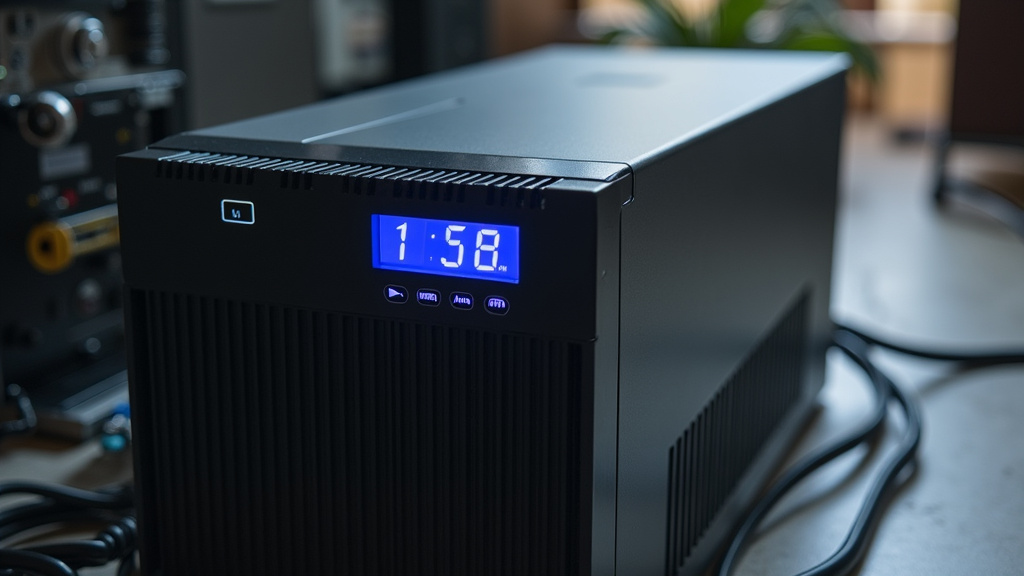
It can be hard to tell if your UPS has ever switched to battery power, especially since it happens so quickly. Some UPS units have indicator lights or audible alarms that will alert you when they are running on battery. You can also check the UPS software, if you have it installed on your computer, for event logs.
A simple way to test is to unplug the UPS’s power cord from the wall outlet while your devices are running. You should see the indicator light change on the UPS, and possibly hear a beep, confirming it’s on battery. Your devices should continue to run without interruption. Remember, this is just a quick test; don’t leave it unplugged for long, as you’ll drain the battery.
What About Power Surges and Brownouts?
While the primary function is backup power during outages, many UPS systems also offer protection against other power problems. Line-interactive and online UPS units can regulate voltage during brownouts (voltage sags) or power surges (voltage spikes). This means your devices are protected not just from blackouts, but also from damaging fluctuations in power quality.
The speed of the transfer switch is also important here. If a surge is too large for the UPS to condition, it will swiftly switch to battery to protect your equipment. This multi-layered protection is why a UPS is a smart investment for anyone who relies on electronic devices.
A Quick Checklist for Your UPS Protection
To make sure your UPS is giving you the best protection, consider these points:
- Ensure your UPS is the right type for your needs (standby, line-interactive, or online).
- Check that the transfer time is suitable for your connected devices.
- Keep an eye on the UPS indicator lights or listen for alarms.
- Periodically test your UPS by briefly unplugging it.
- Make sure your UPS is properly sized for the power draw of your equipment.
- Regularly check the UPS software for any error logs or status updates.
Conclusion
You now understand how quickly a UPS switches to battery power – typically in less than 10 milliseconds. This lightning-fast response is your best defense against unexpected power outages, keeping your sensitive electronics safe and your work from being lost. Whether you have a standby, line-interactive, or online UPS, the speed of this transfer is key to its protective function. Don’t just guess if your UPS is ready; take a moment to test it. Ensure it’s properly configured and sized for your equipment, giving you peace of mind against power disruptions.
Frequently Asked Questions
Will my computer shut down if the power goes out with a UPS?
Usually, no. A UPS switches to battery power in under 10 milliseconds, which is much faster than your computer needs to notice an outage. Most modern computers can handle interruptions this brief without shutting down, so your work stays safe.
Can a UPS protect against more than just blackouts?
Yes, many UPS systems, especially line-interactive and online models, also protect against power surges and brownouts. They can regulate voltage fluctuations, offering a broader layer of protection for your devices beyond just complete power loss.
How do I know if my UPS is actually running on battery?
Your UPS usually has indicator lights or audible alarms that signal when it’s running on battery power. You can also check the UPS’s software for event logs. A quick test by unplugging the UPS from the wall will confirm it switches to battery.
Is a 10ms transfer time good enough for gaming?
For most gaming setups, a transfer time of 10ms or less is perfectly adequate. The rapid switch ensures your game won’t be interrupted by minor power flickers, so you won’t lose progress or experience a sudden shutdown.
Do I need an Online UPS if my devices aren’t extremely sensitive?
For typical home use with computers, monitors, or routers, a standby or line-interactive UPS is often sufficient. Online UPS units offer zero transfer time but are more expensive. A line-interactive model with a 2-10ms transfer time usually provides excellent protection for everyday electronics.