UPS vs Inverter for Home: Which Should You Choose? (November 2026)
Choose a UPS for immediate backup to sensitive electronics; choose an inverter system when you need longer household backup and can manage its battery and transfer setup. The best UPS or inverter for home use depends on what must stay on and for how long.
On this page (8 sections)
- Which is best, UPS or inverter for home backup?
- How does transfer speed affect your choice?
- Which option gives you more runtime?
- What should you connect to a UPS?
- When does an inverter system make more sense?
- Do portable generators solve a different problem?
- How should you compare capacity and setup?
- Which home backup should you choose?
Choose a UPS for immediate backup to sensitive electronics; choose an inverter system when you need longer household backup and can manage its battery and transfer setup. The best UPS or inverter for home use depends on what must stay on, how much power it needs and how long the outage may last.
A UPS keeps selected devices connected to battery backup when utility power fails. An inverter changes battery power into AC power, and may be part of a larger home backup system with separate batteries and transfer equipment.
These options overlap, but they are not interchangeable in every setup. This comparison covers transfer speed, runtime, household loads, installation and when a portable generator may be a better fit.

 Best for network equipment
APC Smart-UPS 1500VA/900W Line Interactive UPS
Which is best, UPS or inverter for home backup?
Choose a UPS when you want a simple, fast handoff for a few electronics; consider an inverter system when you need to power selected household loads for longer. The right choice depends on the complete system, not just the word “inverter.”
A residential UPS explained in plain terms can help you identify what a standalone UPS is meant to support. Many UPS units combine a battery, inverter, outlets and switching controls in one case.
A home inverter setup can be different. It may depend on a separate battery bank and a transfer arrangement, so check what is included and how it connects before you compare products.
For either choice, write down what needs power during an outage. A router and one computer are a smaller, more defined load than lights, a refrigerator and several rooms of outlets.
How does transfer speed affect your choice?
A UPS is the straightforward option when a brief power interruption could disrupt a computer, router or similar electronics. With an inverter system, check the transfer time for the exact setup and the devices you plan to connect.
A computer may shut down if power drops long enough, even when the outage lasts only a moment. A UPS holds its connected devices on battery while the utility supply is unavailable, giving you time to keep working or shut down safely.
Transfer behavior matters less for a light that you can switch back on than for a device that needs a continuous connection. If you rely on a modem or router for calls, work or home monitoring, prioritize backup for that equipment first.
Inverters differ by design and configuration. Read the transfer specifications for the exact model, and check whether your appliances can tolerate the changeover.
Which option gives you more runtime?
Runtime depends on the load, battery capacity and the system’s usable energy. A larger connected load generally uses backup energy faster, so one runtime figure cannot describe every household setup.
The APC BR1350MS provides up to 54 minutes at a 100W load. That can help a home office save work or keep a router online during a shorter outage, but it does not mean the unit will run a larger household load for the same time.
An inverter system may offer longer backup when paired with enough battery capacity. Confirm the battery size, usable capacity, expected load and recharge method for the system you are considering.
A solar UPS guide explains how solar charging can fit into a backup arrangement. Solar input does not automatically tell you how long a system will run overnight or during cloudy weather, so compare its battery capacity and charging details too.
What should you connect to a UPS?
Use a UPS for the devices that need a continuous, protected power connection. Choose its capacity from the devices’ combined wattage and leave room for load changes.
A desktop computer, monitor, router and modem can make sense as a small backup group, if their combined draw fits the UPS. Keep optional equipment off battery outlets if it would shorten runtime for the devices you need most.
The APC UPS 1350VA/810W Pure Sine Wave UPS has 6 battery backup outlets and 4 surge-only outlets. Its LCD displays remaining runtime and power load, which can help you see how much backup time is left.
For network equipment, the APC Smart-UPS 1500VA/900W Line Interactive UPS adds automatic voltage regulation and remote monitoring through SmartConnect. It has 6 battery backup outlets, so plan which devices need battery support rather than treating all 8 outlets as backed up.
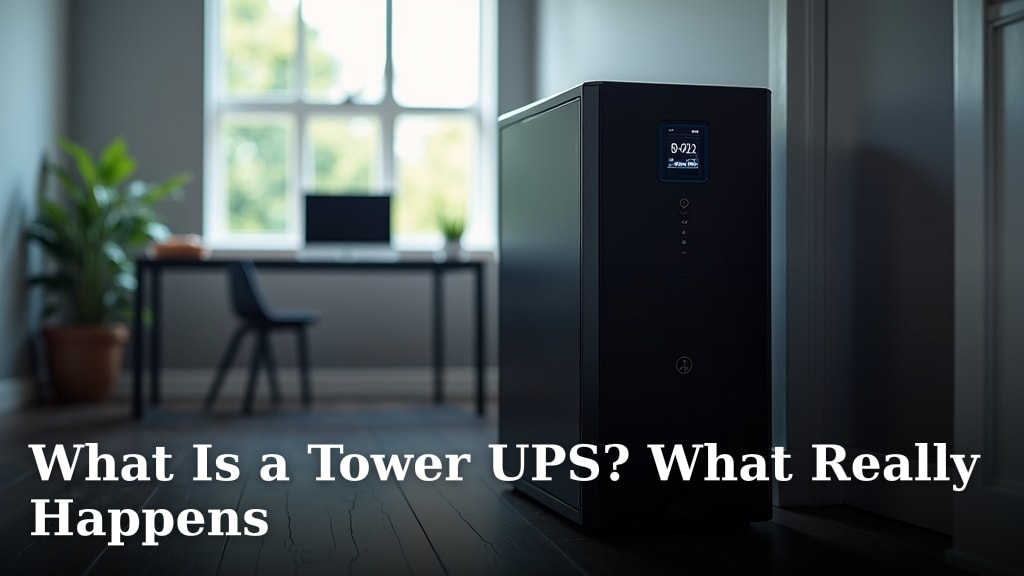
For an overview of UPS layouts, see what happens inside a tower UPS. A tower’s shape helps with placement, but it does not tell you how much runtime you will get.
When does an inverter system make more sense?
Consider an inverter system when you need backup beyond a few electronics and can size its batteries and connections for those loads. It may call for more planning than plugging devices into a UPS.
Start with essential circuits rather than assuming you need to back up the entire home. List lights, communication devices and appliances, then note which ones may run at the same time.
Check the inverter’s continuous output and surge capacity against those loads. Motors and compressors can draw more power when starting than while running, so confirm that the system can handle both.
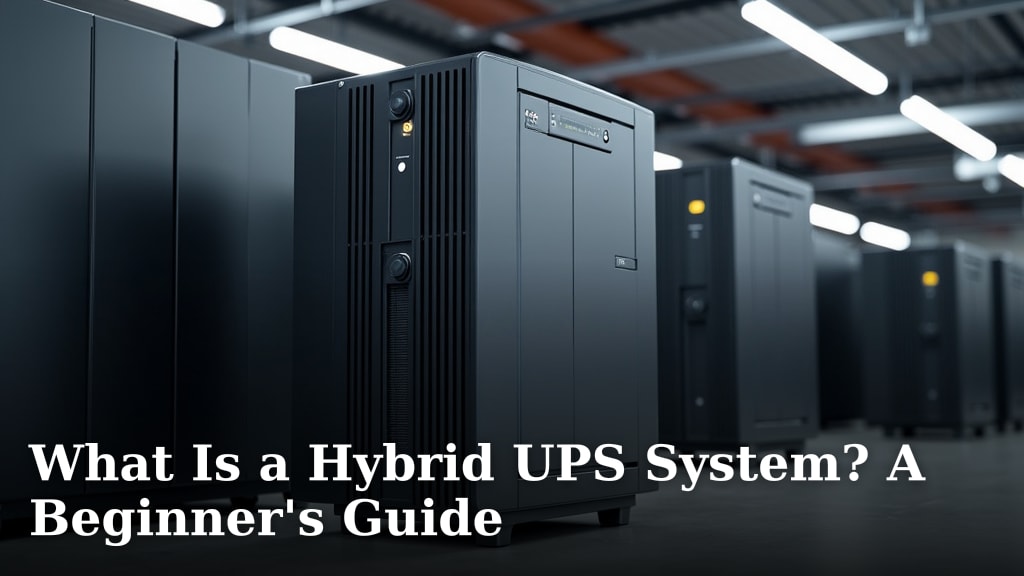
A hybrid UPS system guide can help explain designs that combine different power sources. Read the system details carefully, since “hybrid” does not guarantee a particular battery size, solar input or transfer behavior.
Do portable generators solve a different problem?
A portable generator can supply more power for longer outages, but it is a separate backup option that needs fuel and safe outdoor use. It does not provide the instant battery handoff of a UPS.
The PowerSmart 4000 Watt Portable Inverter Generator provides 3200 running watts and uses gasoline. The Oxseryn Power Equipment 4400 Watts Inverter Generator provides 3400 running watts, with up to 14 hours of operation at a 25% load.
Both are generators, not battery UPS units. Use fuel-powered equipment outdoors and follow its manual and local safety rules; never run a portable generator inside a home, garage or other enclosed space.
If you are comparing fuel-powered backup choices, read about inverter generators versus regular generators and propane versus gas generators. Fuel type, location and runtime needs can shape that choice.
How should you compare capacity and setup?
Compare watts, battery capacity, transfer behavior and installation requirements for the exact systems. VA alone does not tell you how many household devices a backup unit can support.
For a UPS, add the wattage of devices you plan to connect and check that total against the unit’s watt limit. Keep essential equipment on battery-backed outlets, and check the manual for any restrictions.
For an inverter setup, include both continuous and startup loads. Confirm the battery, charging method and transfer hardware, and have a qualified electrician review any connection to household wiring.
Also consider where the equipment will sit. A UPS can often serve a desk or network shelf, while a larger battery setup may need dedicated space and appropriate electrical work.
Which home backup should you choose?
Pick a UPS for a fast, simple backup to a small set of electronics; pick an inverter system for longer support when its batteries and wiring match your household loads. For higher output over extended outages, compare a properly placed generator as a separate option.
If you mainly need your router and computer to stay on long enough to ride through interruptions or shut down, start with a UPS. If you need several selected circuits to run for longer, size an inverter and battery system around those loads.
Choose the backup source only after you know what must run, for how long and how it will be installed. That decision will narrow the options more reliably than the device name alone.
Frequently asked questions
Which is best, UPS or inverter for home use?
A UPS is usually the practical choice for a router, computer or other sensitive device that needs immediate backup during a brief outage. An inverter setup may suit a longer outage if it has an appropriately sized battery and can supply the loads you need.
Compare transfer behavior, usable power and runtime for the exact system.
Does a UPS switch over faster than an inverter?
A UPS is designed to keep connected devices powered through an outage, with its backup built into the unit. Inverter systems vary, so check the exact transfer time and whether your appliances can tolerate the interruption.
Don't assume every inverter setup has the same changeover behavior.
Can a UPS run a refrigerator?
Only use a UPS for a refrigerator if its capacity and output support the refrigerator's running and startup loads, and its runtime meets your needs. A computer UPS may be intended for electronics rather than a motor load.
Check both manuals and the appliance's power requirements before connecting it.
Can an inverter provide backup for a whole home?
An inverter can support selected household circuits when the system is designed for their combined load and has enough battery capacity. Whole-home backup requires careful sizing, suitable transfer equipment and a safe electrical installation.
Ask a qualified electrician to assess circuits and local requirements.
Can a portable generator replace a UPS?
A portable generator can supply substantial power for longer outages, but it does not replace a UPS's immediate battery handoff to sensitive electronics. A generator also needs safe outdoor placement and fuel.
Some households use a UPS for short interruptions and a generator for longer backup.